When what matters most goes missing, it can find its way home.
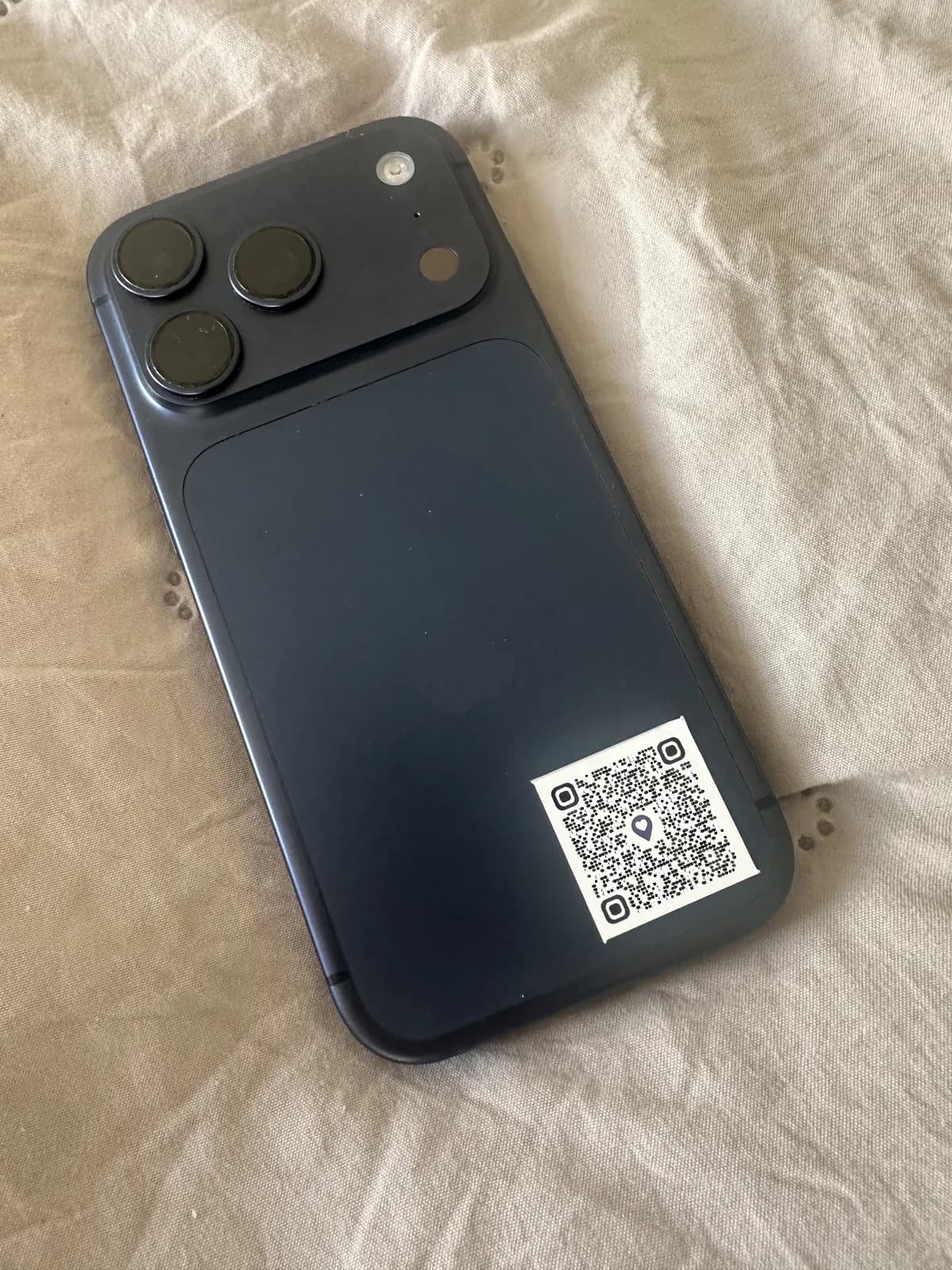
Put an AYA security mark on phones, tablets, laptops and passports. If someone finds them, they scan the QR code and contact you straight away - anonymously, with no app, in their own language.
Works globally, because we speak locally
from€8.99per mark
12 months
Security mark · €8.99
Security mark + Public AYA register · €13.99
Self-adhesive and tough Active for 365 days Yes. The finder sees neither a phone number nor an address. You choose what is shared.
All your money back for 100 days. No return shipping.All your money back for 100 days. No return shipping.
Applies to online purchases. When you get your money back, the codes on the order are closed.
Item found
You found Oliver's teddy bear
Share your location so the owner can find Oliver's teddy bear
Share my location
No thanks, I won't share
Audio call
Send message
AYA Family
Put the security mark on
Stick it on a phone, tablet, laptop or passport, and activate it with the scanner in the AYA app. The first time, the app asks for your email, which covers all your products.
The finder scans
Whoever finds the item scans the QR code with the camera - no app, no login.
You find each other
The finder messages or calls you anonymously from a page in their own language, so you can agree how the item gets home.
Private by design
Yes. The finder sees neither a phone number nor an address. You choose what is shared.
For what cannot be replaced
Put AYA on what costs the most to lose.
Security marks make the most sense on things where a loss is expensive - and where fast contact makes all the difference.
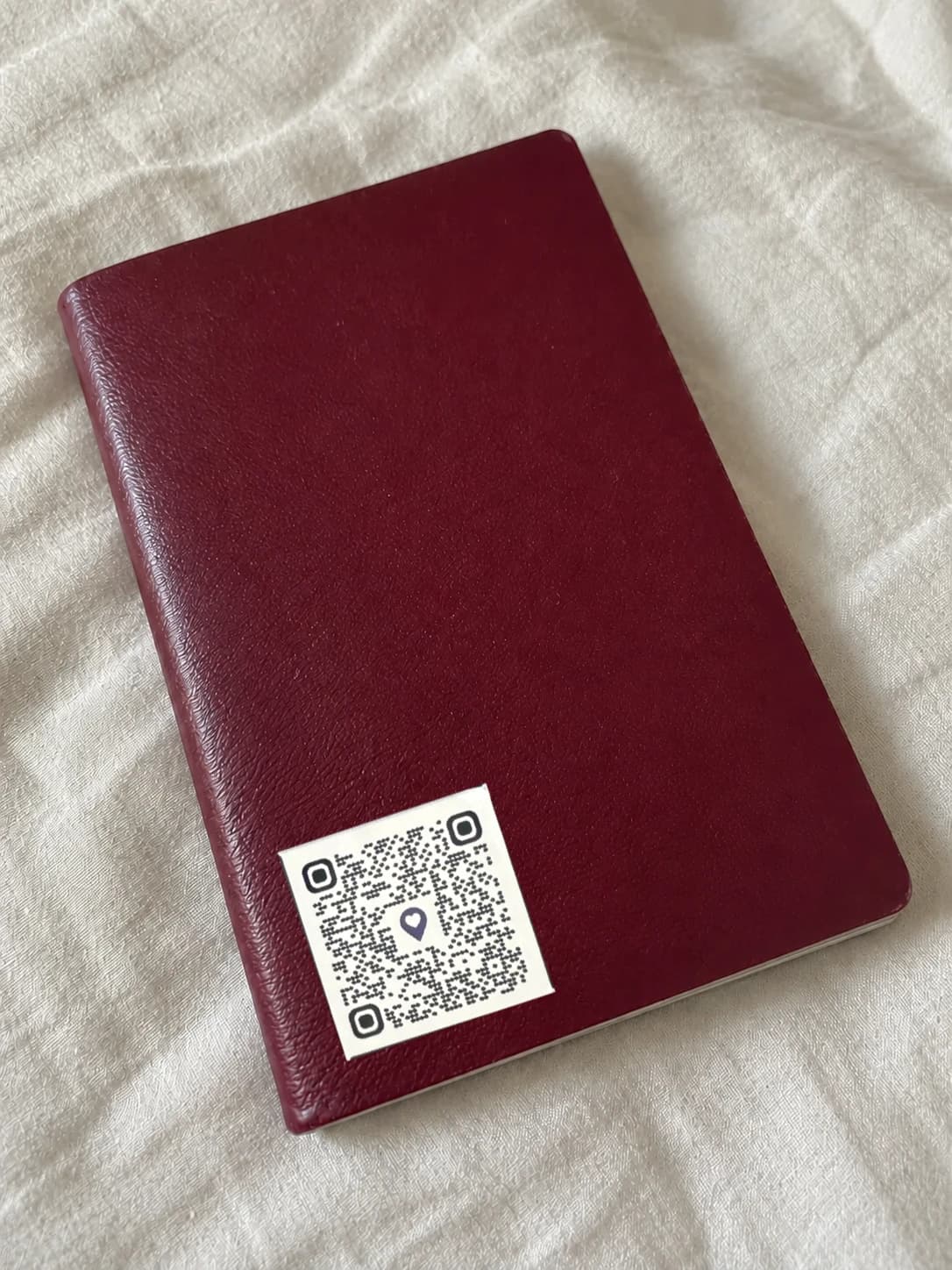
Passport
Without a passport the trip stops. With a security mark the finder can reach you straight away.
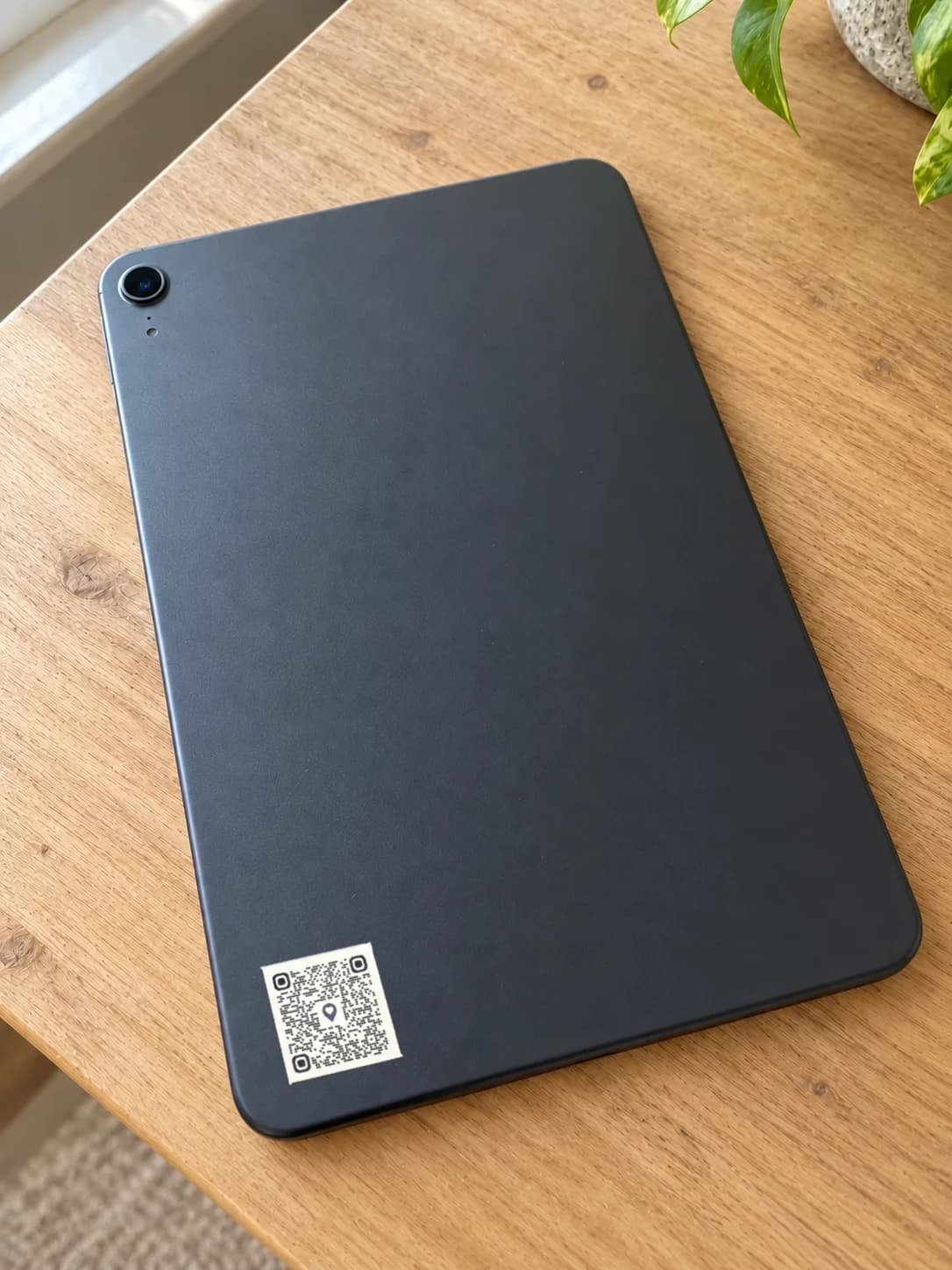
Tablet
If your tablet goes missing, the finder can scan the security mark and contact you.
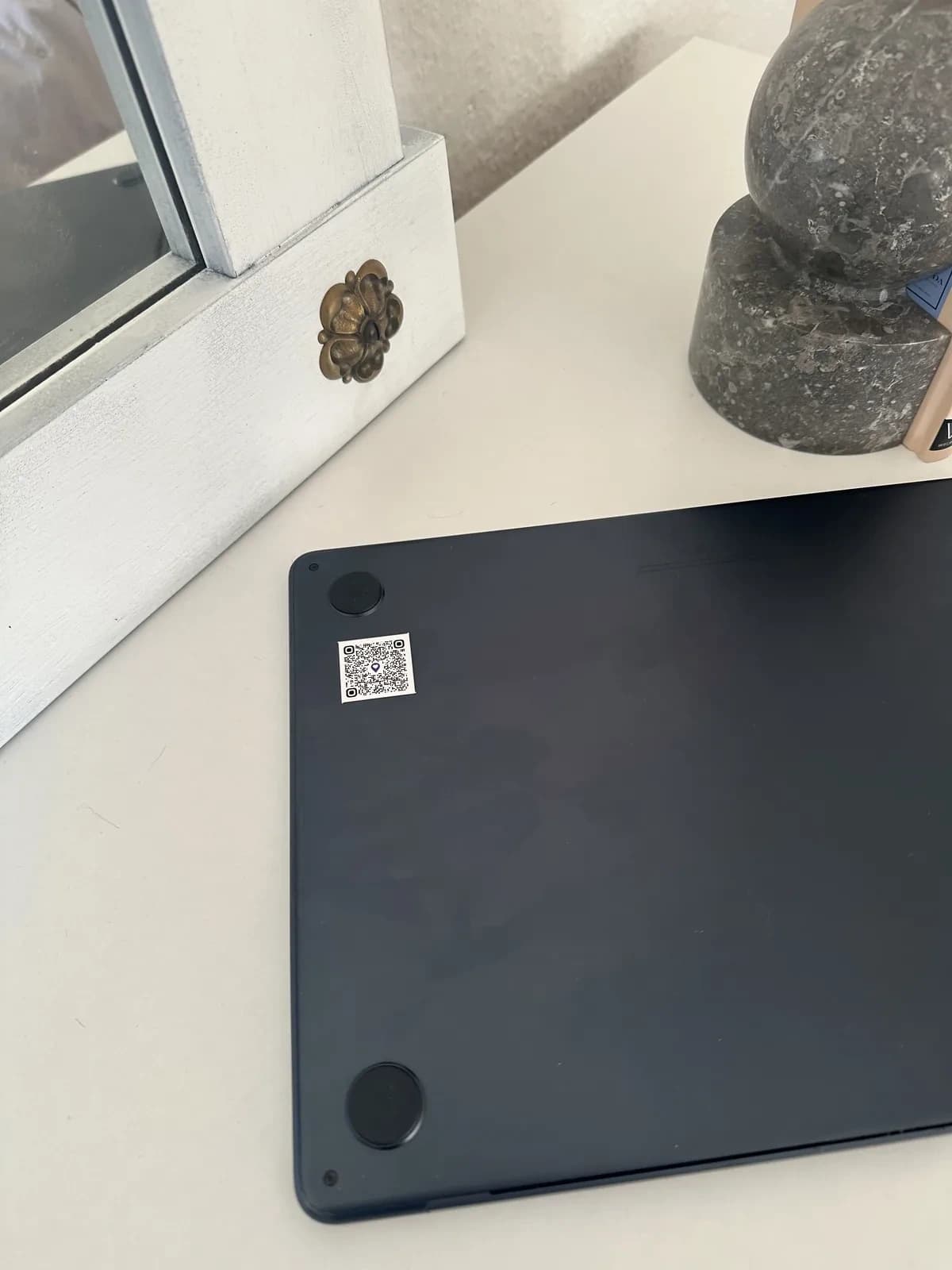
Notebook computer
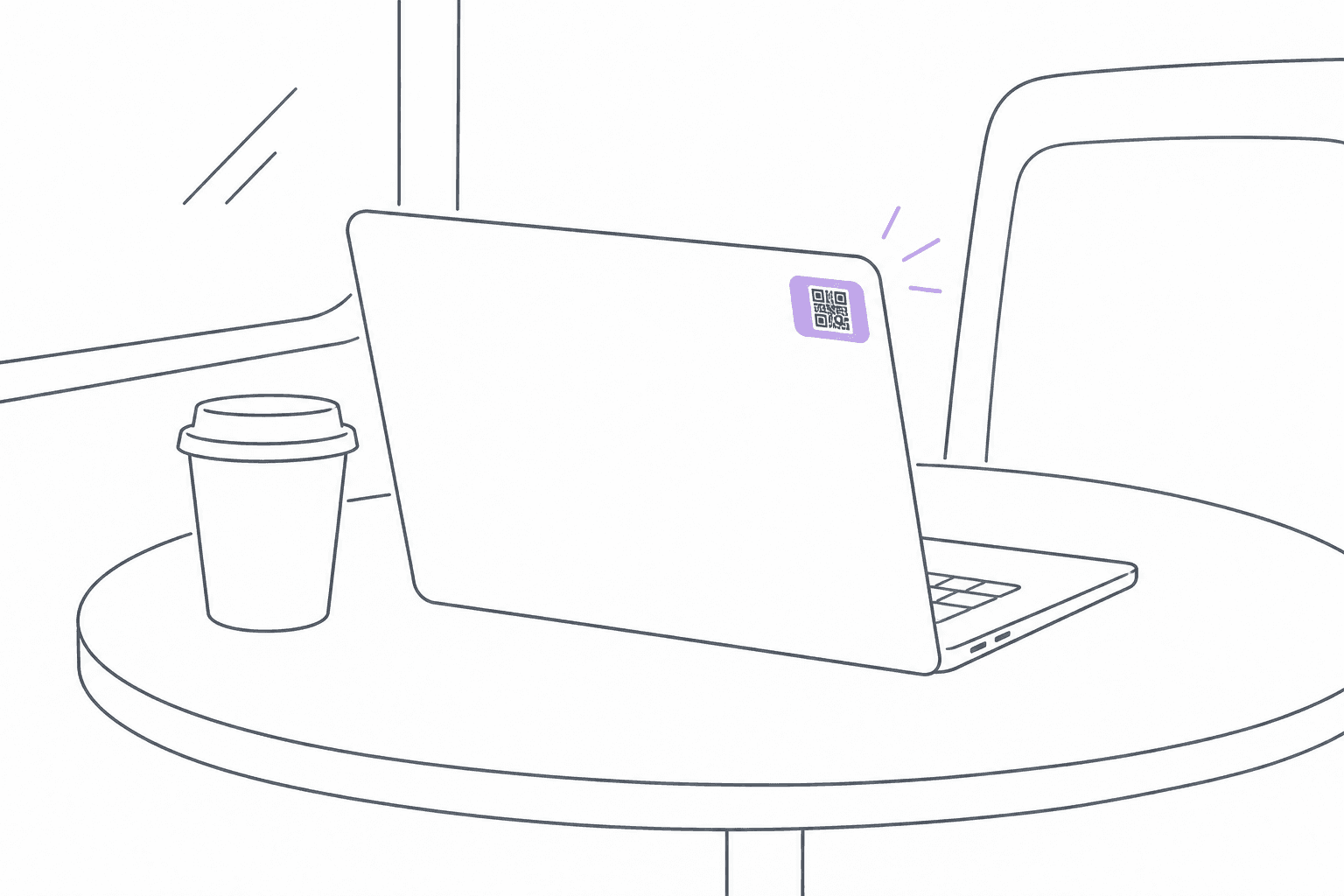
Work, photos and data - the costly part is what is on it.
Phone
A small security mark on the case, if the phone is left on the train.
Rule of thumb: put AYA on what costs time, money or a ruined trip to lose - not on the lunchbox.
HOW IT WORKS
A lost passport should not ruin the trip.
AYA makes it easy for the person who finds your things to reach you - wherever in the world it happens.
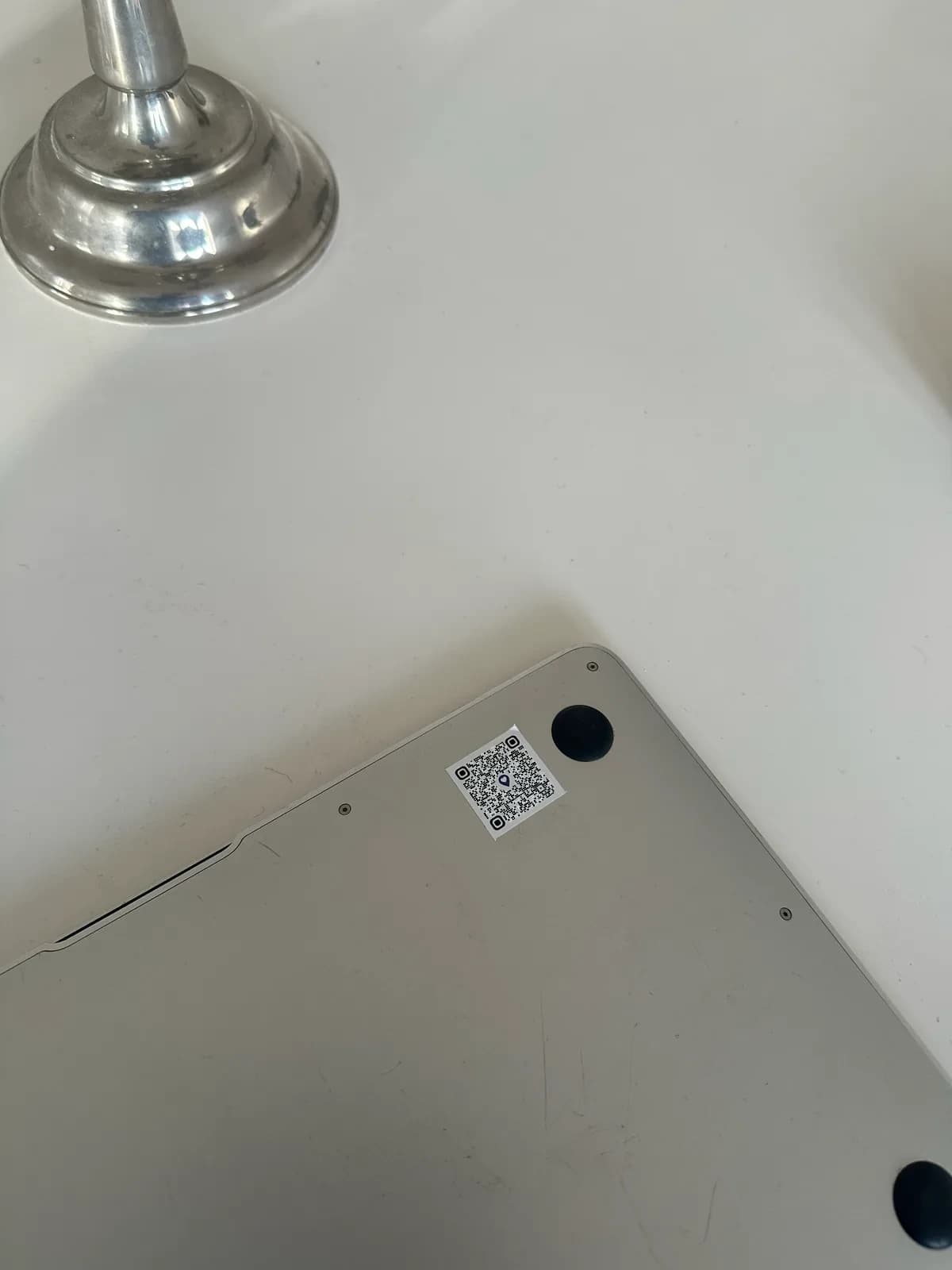
Put the security mark on what matters most
Stick the security mark on a phone, tablet, laptop or passport, and scan the code with the scanner in the AYA app to activate it. The first time, the app asks for your email. It stays active for 365 days.
Someone finds it
A hotel worker, a taxi driver or a passer-by scans the code with the camera - no app and no login.
You get it back
The finder messages or calls you anonymously from a page in their own language, so you can agree how the item gets home.
Global lookup register
The AYA register
Look up a device by its serial number, IMEI, MAC address or frame number and see whether it is owner-marked with an AYA security mark or an AYA Bike Mark.
Only for items with their own serial number, e.g. phone, computer, tablet and camera. Not for suitcases, bags, passports or prams. For the bike there is AYA Bike Mark.
What makes AYA different
One platform that ties it all together - securely.
Wristbands and security marks are just the entry point. What is unique is the platform behind them: it connects you with whoever found your child or your things - quickly, simply, and without anyone handing over personal details.
GPS tracker, e.g. AirTag
Helps you see where the thing is.
- You can see where the thing is
- Whoever finds it has no easy way to reach you
- You have to go get it yourself
The AYA platform
Lets whoever finds it give it back.
- The finder reaches you with one scan - no app
- Anonymous and auto-translated across 117 languages
- Works fine alongside your tracker
A tracker shows where a thing is. AYA lets the finder give it back.
For the family
Peace of mind without giving yourself away
- No personal details - you choose your own alias
- Ready in under a minute with the scanner in the AYA app
- A message straight away when someone scans

The AYA platform
Anonymous chatCall117 languagesShared location
For the finder
It is easy to do the right thing
- Scan with the camera - no app to install
- No account and no personal details
- The page is shown in your own language
Privacy first
No phone numbers, addresses or emails change hands. All contact goes through the platform, and you choose what is shared.
Easy to start
The finder needs neither an app nor an account. You activate in under a minute with the scanner in the AYA app, and the finder helps with one scan.
No language barrier
The platform is shown in the finder's own language, so anyone can help, wherever you are.
Built to scale
From one family to whole theme parks and chains - the same platform, the same privacy.
All your money back for 100 days. No return shipping.
Applies to online purchases. When you get your money back, the codes on the order are closed.
Prices
Choose what fits your day
A wristband for a child's wrist, security marks for your valuables - both activate in under a minute.
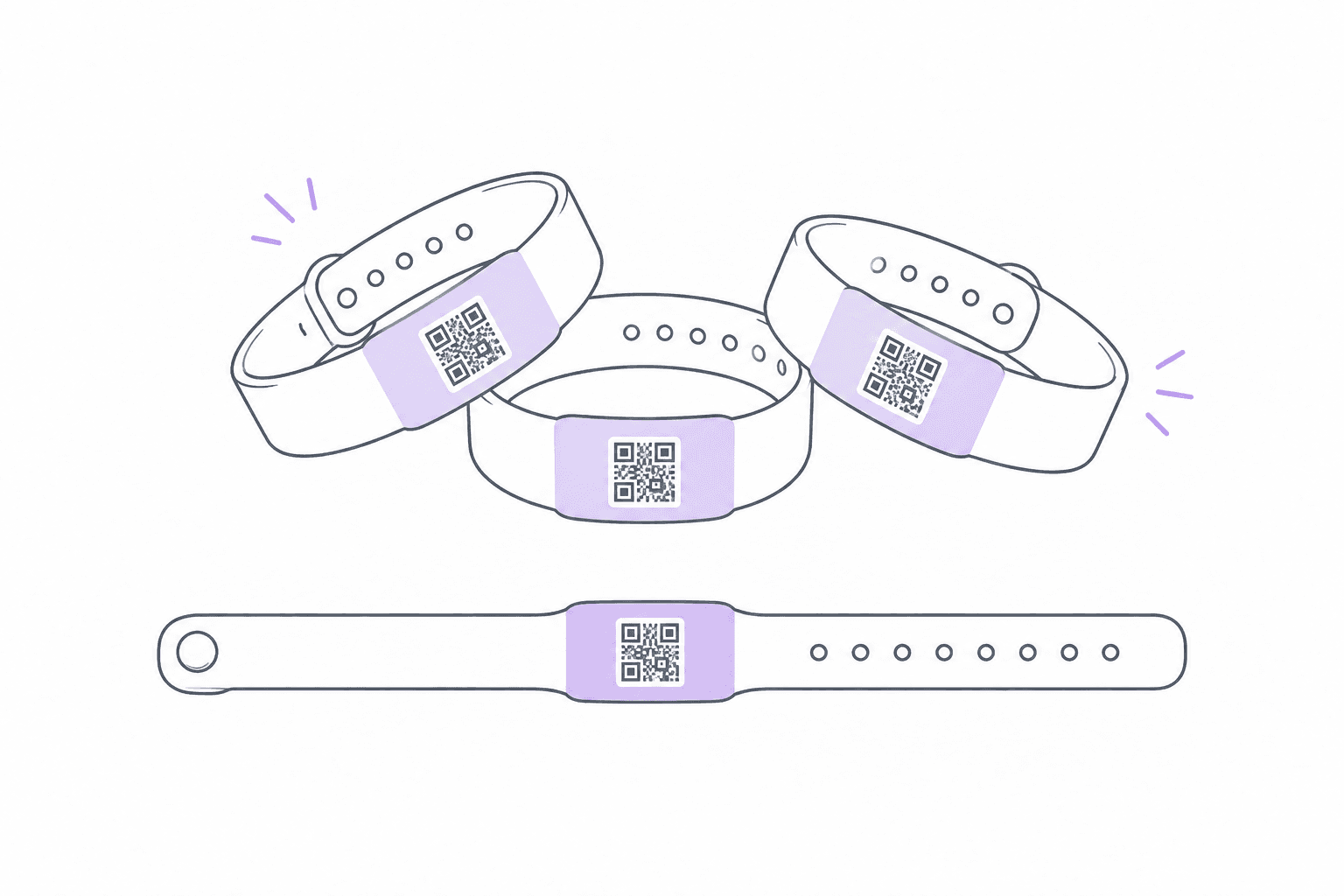
Wristbands
Single-use wristbands for the little ones.
For children on a day out. The wristband is active for 24 hours after activation.
- Durable and waterproof
- Activated in under a minute
- Video and voice calls for 24 hours after activation
€14.99
for 10 pcs.
that's €1,50 per piece
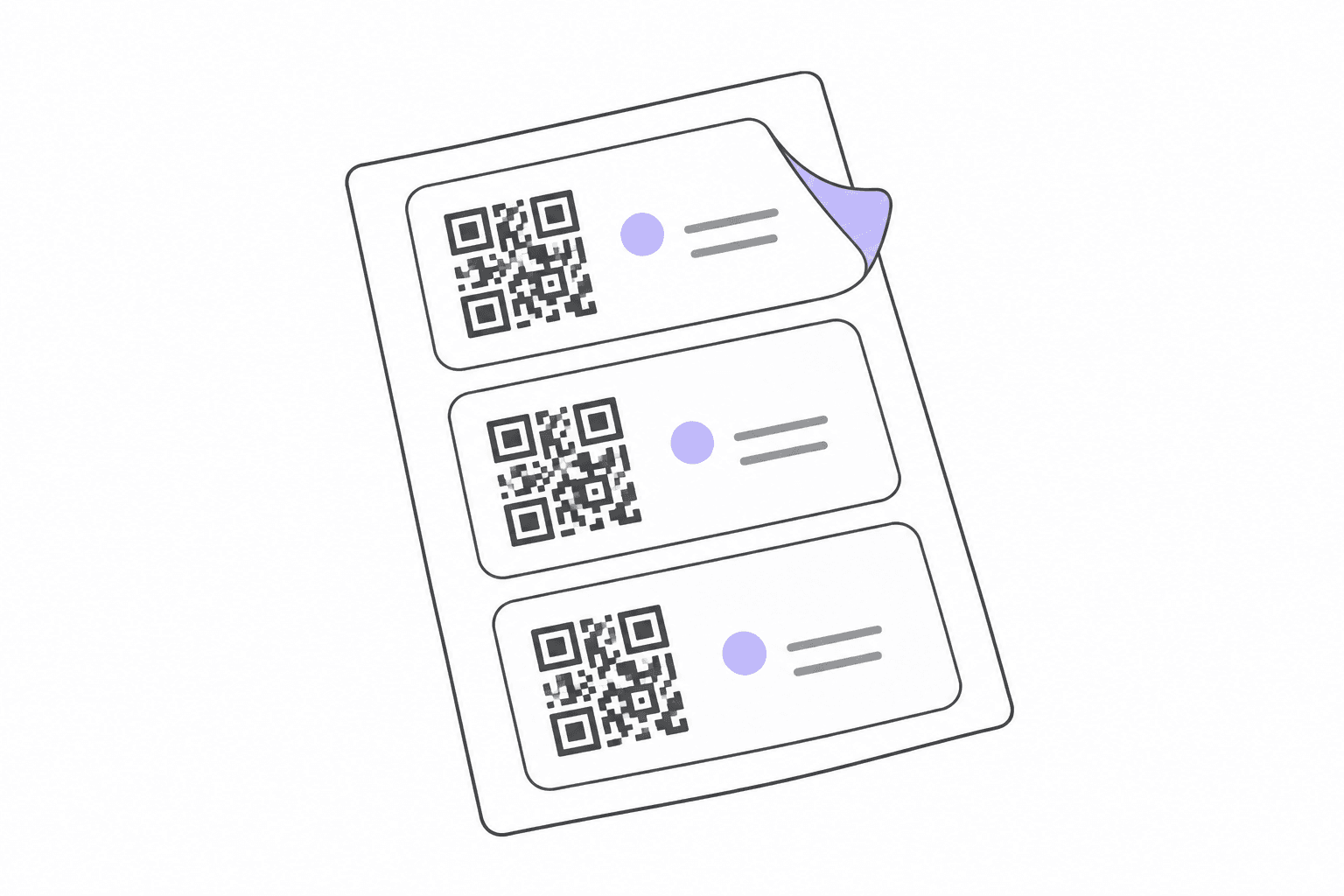
Security mark
Security marks for what you cannot afford to lose.
For phones, tablets, laptops and passports - so a finder can reach you without seeing who you are or where you live.
- Tough and self-adhesive
- Active for 365 days
- Location sharing and text
€8.99
per mark
No app to install
The finder uses the phone camera to scan.
GDPR protected
Phone numbers are not shared.
117 languages
The page opens in the finder's own language.
FAQ
Frequently asked questions
What should I put security marks on?
Phones, tablets, laptops and passports - the things that cost time or money to lose.
Can the finder see my address or number?
Yes. The finder sees neither a phone number nor an address. You choose what is shared.
How long does a security mark stay active?
A security mark stays active for 365 days, and it can be activated again.
What if I lose something abroad?
The finder sees the page in their own language, so you can write to each other wherever the item is found.
Does the finder need to download an app?
No. The phone camera is enough.
Will the security mark hold up if the item is used a lot?
Yes. The security marks are tough and self-adhesive and stand up to daily use.