← Autu uma
Faʻasoa ma lou aiga
Share a product with the other parent
Give the other parent or another adult access as a co-parent, so you both get messages and calls when the product is scanned.
Not living under the same roof, or simply want to share the responsibility? As the owner you can share a product with another adult, who then gets messages and calls just like you.
How to do it
- Open the product from the home screen and tap the cog in the top right corner (Settings).
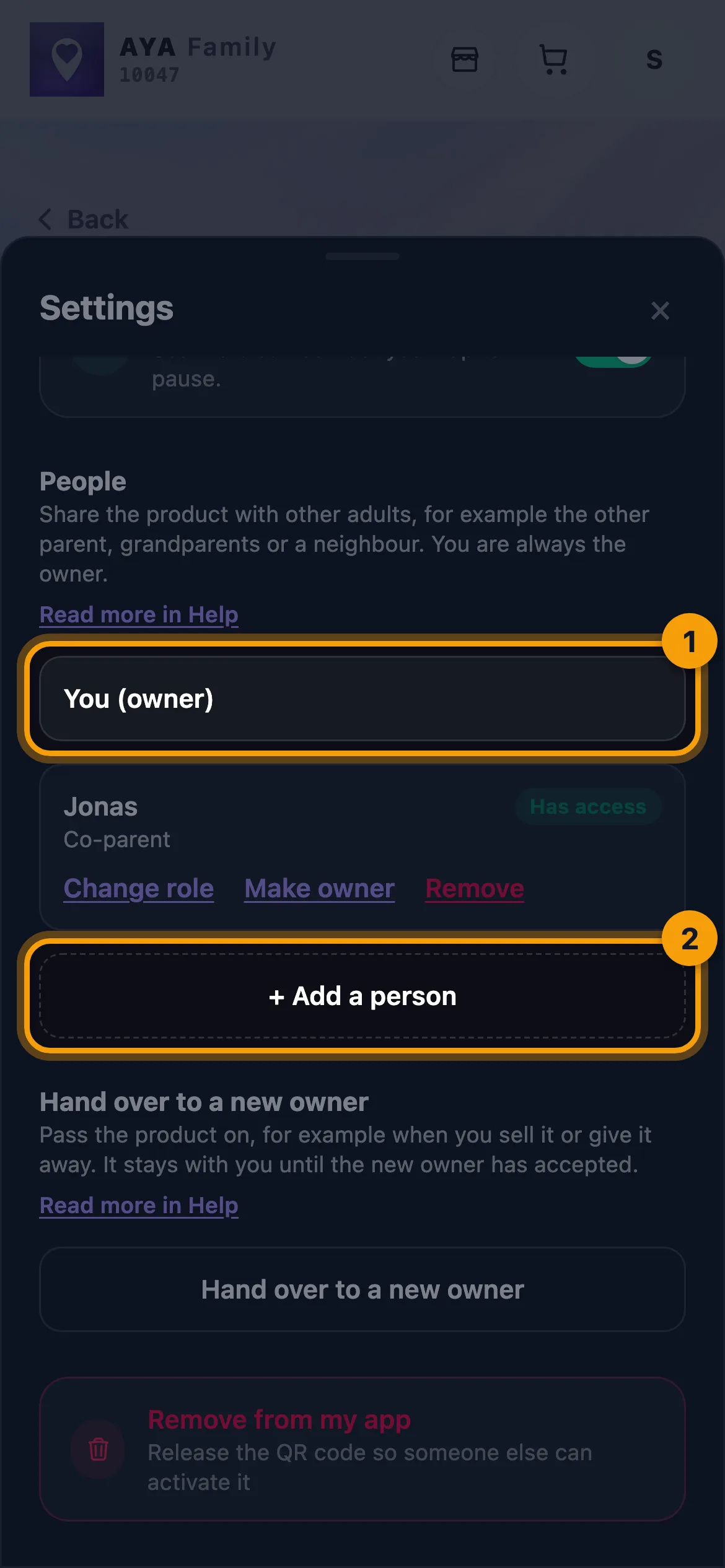
- Find People. You are listed as You (owner) together with anyone you have already shared with.
- Tap Add a person.
- Enter the person's name, for example Dad or Grandma.
- Choose the role Co-parent.
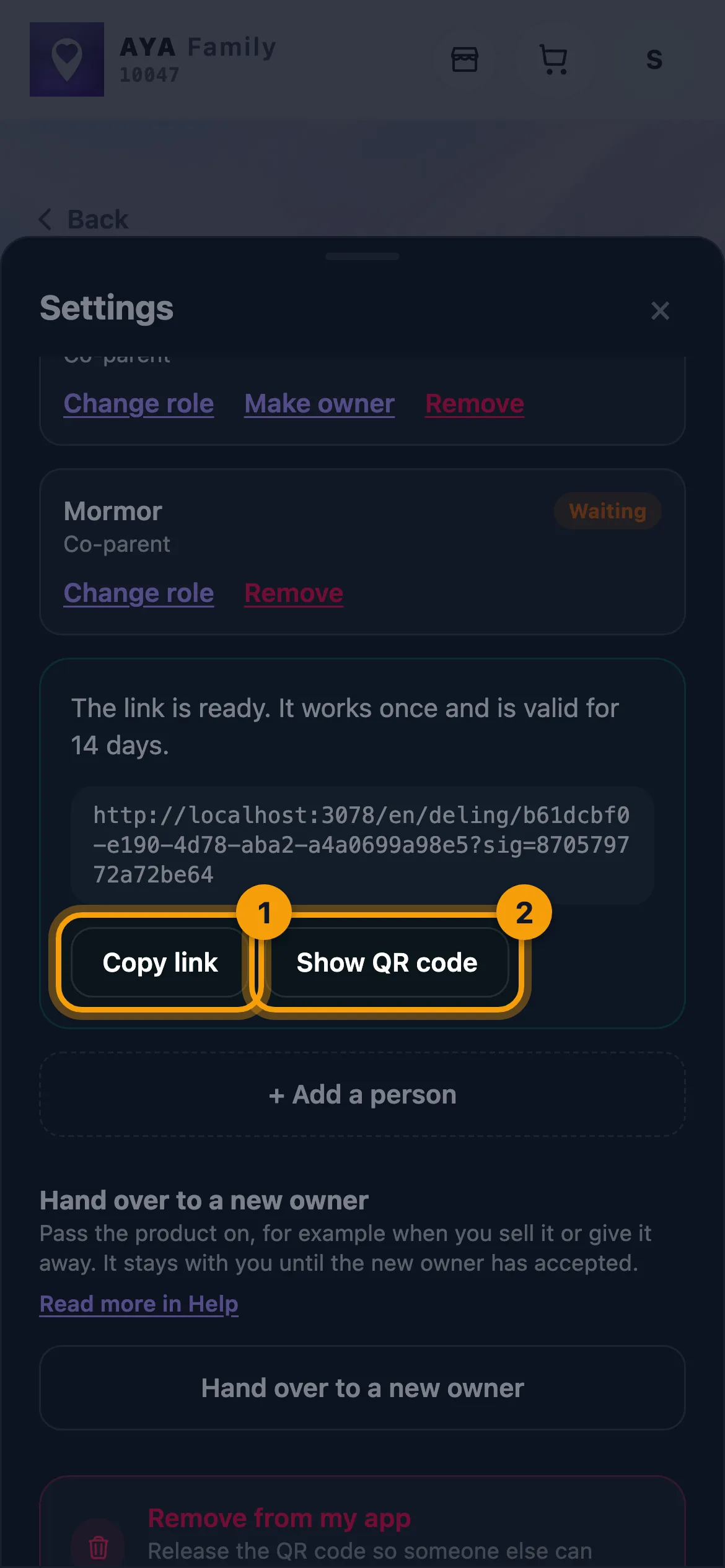
- Tap Share a link or QR code. The link is ready straight away.
- Send the link with Share (your phone's share menu), copy it with Copy link, or tap Show QR code and let the other person scan it with their own phone.
Would you rather send an email? Enter the address in Email (optional) and tap Send the invitation by email instead of making a link.
What a co-parent can do
- Gets a message when the product is scanned, and is called together with you when a finder calls.
- Sees the map, scan history and messages.
- Can change the name and notes and pause the product.
- Can turn their own notifications for the product on and off.
- Can never pay, share it further, hand the product over or remove it from the app. Only you as the owner can do that.
Good to know
- A link works once and is valid for 14 days. An email invitation is also valid for 14 days.
- There can be at most 5 people besides you on one product.
- The list shows each person's status: Waiting, Has access or Expired.
- Tap Change role to turn a co-parent into a contact or the other way round. Tap Remove and then Yes, remove to take the access back.
- If an email invitation has expired, you can tap Send again.
- AYA never sends text messages. The people you share with get a push notification on their own phone. Only you, the owner, get an email as a fallback.
- You are always the owner. If you want to pass ownership to the co-parent, read Make a co-parent the owner.
E te leʻi maua le tali?
Tusi mai ia i matou