← Ulutaga kece
O kunea e dua na ka?
The code does not work or has expired
What to do when an AYA QR code says it is invalid, closed or expired.
Sometimes an AYA QR code does not lead to an active page. Here is what the messages mean, and what to do if you are with a child or an item.
What to do
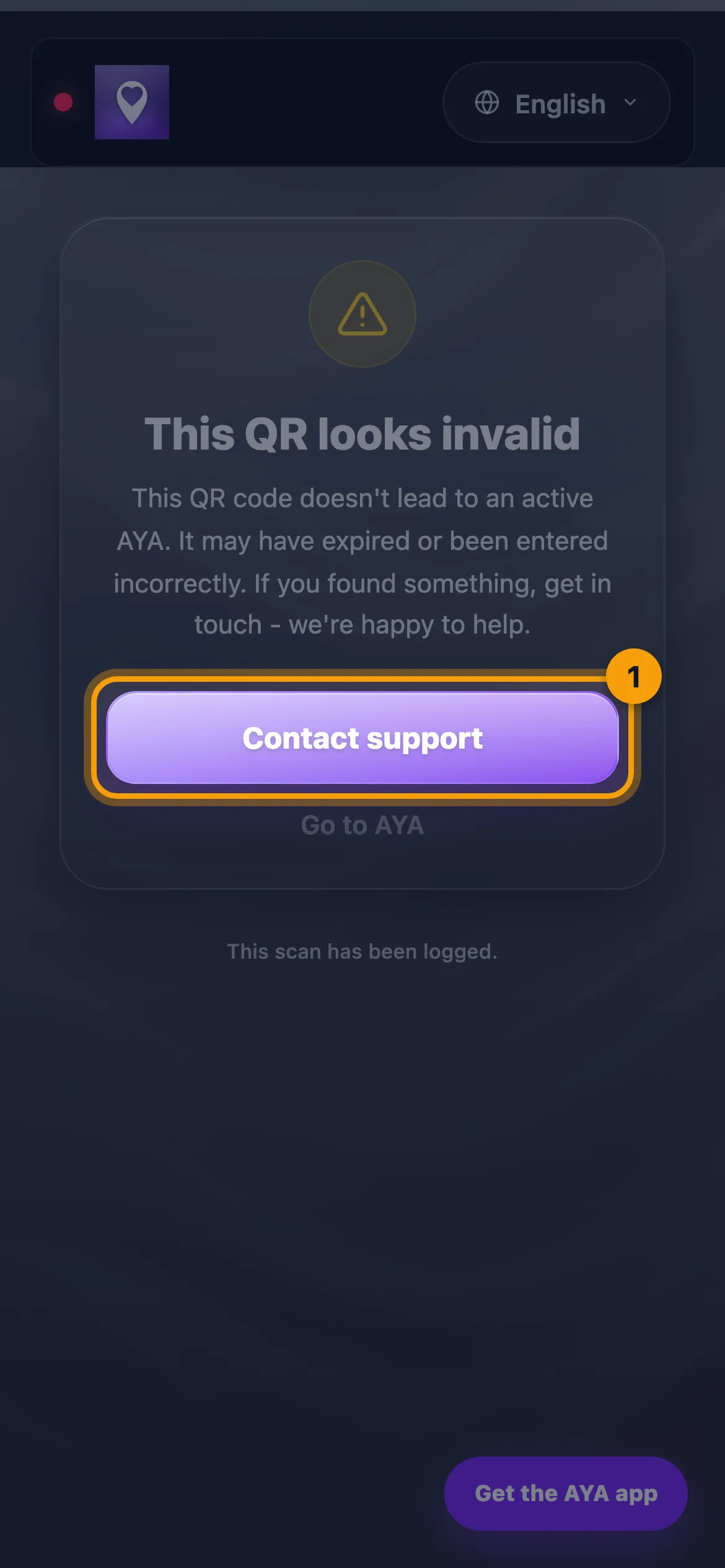
- If it says This QR looks invalid, the code is unknown or was entered incorrectly. Try scanning it again with your camera.
- If you have found something and the code still does not work, tap Contact support. We are happy to help.
- Tap Go to AYA if you want to read more about AYA.
If you have found a child and the code does not work, contact the staff where you are, or call the local emergency number.
What the messages mean
- Wristband expired: wristbands are valid for 24 hours. The period has ended, so the parent is not notified.
- This label has expired: the label is no longer active, so the owner is not notified when it is scanned.
- Luggage tag expired: the protection period has ended. The owner can reactivate the tag in the app.
- This code is closed: the code is no longer active, for example because the purchase was refunded.
- Scan the QR code again: the page was opened from a link without the code, or more than 3 minutes have passed since the scan. Scan the code again.
- An expired reusable wristband says "Look at the back of the wristband". If something is written there, you can use it to find the owner.
Good to know
- If it is your own product that has expired, open AYA and renew it or buy a new one. An expired wristband can go in plastic recycling or general waste.
- An invalid scan is logged, so we can see if something is wrong with a code.
O sega ni kunea na isau?
Volavola mai vei keimami