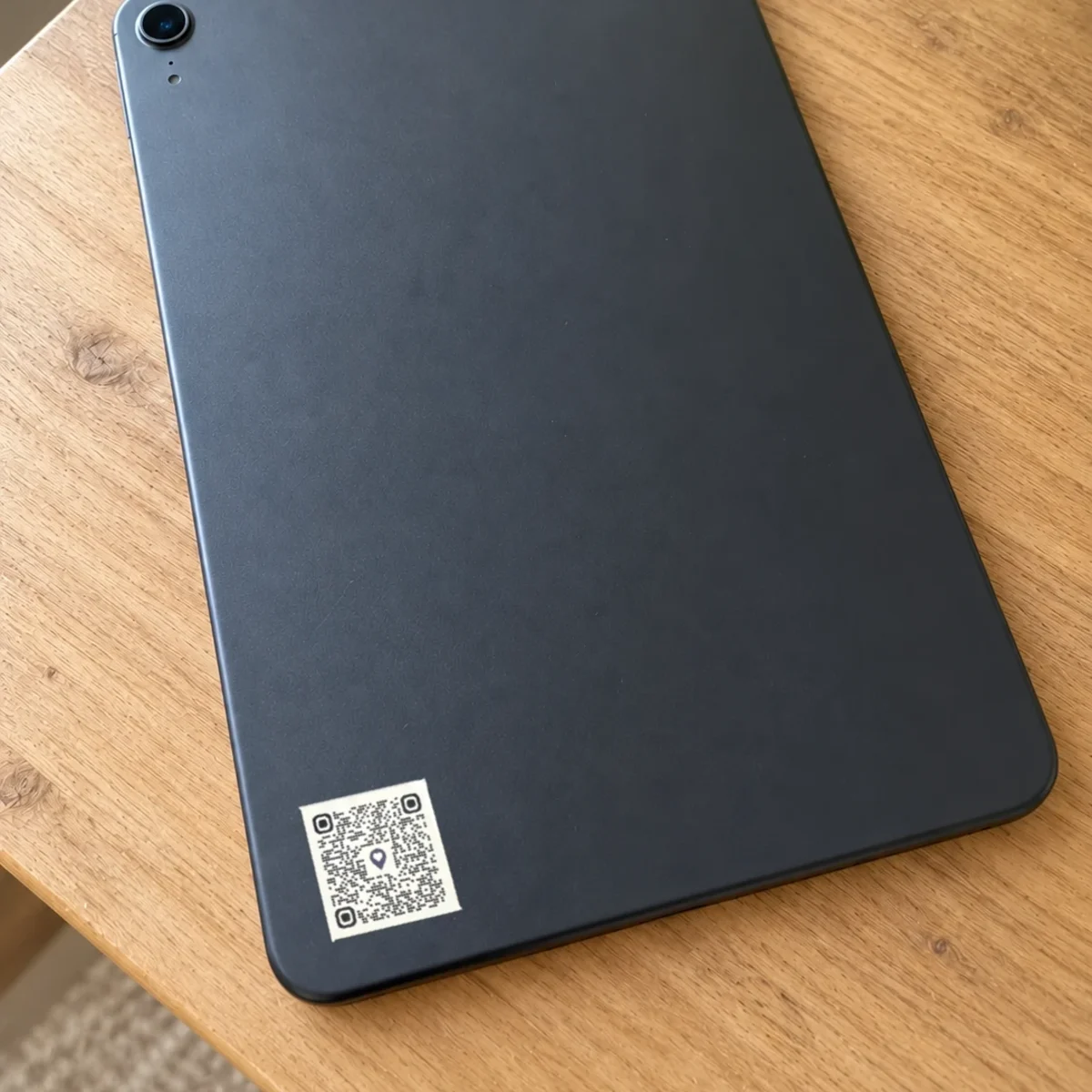
2Qofka helaa wuxuu istiikarka badbaadada ku iskaan gareeyaa kaamirada taleefanka, wuxuuna meesha ku wadaagaa hal taabasho.
3Waxaad helaysaa fariin ay ku jiraan meesha iyo waqtiga, lambarka taxanahana wuxuu ku jiraa diiwaanka AYA.
DSB waxay sannadkii ururisaa 27,000 shay oo la illaaway. Qiyaastii kala bar ayaa dib ugu noqda milkiilaha.
Isha: DSB, bogga alaabta lumay (Noofembar 2026).
Sidaas ayuu taabletku guriga ugu soo noqdaa.
What you can do
The AYA register (the mark with the register): anyone can look up a serial number, see that the device is owner-marked and contact you anonymously. See The AYA register.
Report missing: if the thing goes missing, tap Report missing in the settings. You are told at every scan and can write a message for whoever scans.
Told straight away: you get a push notification and an email when someone scans the mark.
12 months or lifetime: the mark is valid for the period you bought and can be renewed.
New owner: if you hand the mark over, the remaining time and the registered device ID come along. See Hand a product over to a new owner.
Map, scan history, sharing and pause: as on every AYA product.
The security mark's page in the app
What the finder sees
What they have found. On a mark without the register, your name stands together with the thing, for example "Sara's passport". On a mark with the register, the device stands there, for example "the owner's Mac", until you give the mark a name in the app yourself. See Edit the name and notes on a product.
Share my location, a voice call and a message with a photo to you. Your phone number is never shown.
On a mark with the register: a link to the AYA register, where the device is shown as owner-marked.
The security mark has no video call.
The page the finder sees when the security mark is scanned
How to activate
Put the mark on the thing and scan it with your phone's camera. You can also tap Activate my AYA product on the home screen in the app.
Mark with the AYA register: choose the device and enter The device's unique number (serial number or IMEI). You do not enter a name: the mark is named after the device, for example "Mac". The device is in the AYA register as soon as the mark is active, and registration is included in the price.
Mark without the register: enter your own name under Name, not what the thing is, and choose what the mark is on. The finder sees the name together with the thing, for example "Sara's passport". The mark cannot be used for things with a serial number.
If your account has no email address, you are asked to add one before the mark becomes active. With the email address you can log in from any device. See Add an email address.
Activate the mark. It now sits on the home screen in the app.
Faahfaahinta alaabta
Cabbirka
50 × 25 mm
Koodhka QR
Lagu daabacay wareejin kulayl, gaar u ah calaamad kasta