← Барлык темалар
Көндәлек куллану
Pause a product
How to pause an AYA product so the finder only sees an initial and you get no notifications until you turn it back on.
Is the wristband in a drawer, or is someone else borrowing the jacket with the label? Pause the product. The QR code then only shows an initial, and nobody can contact you through it until you turn it back on.
How to do it
- Open the product from the home screen.
- Tap the gear icon in the top right corner.
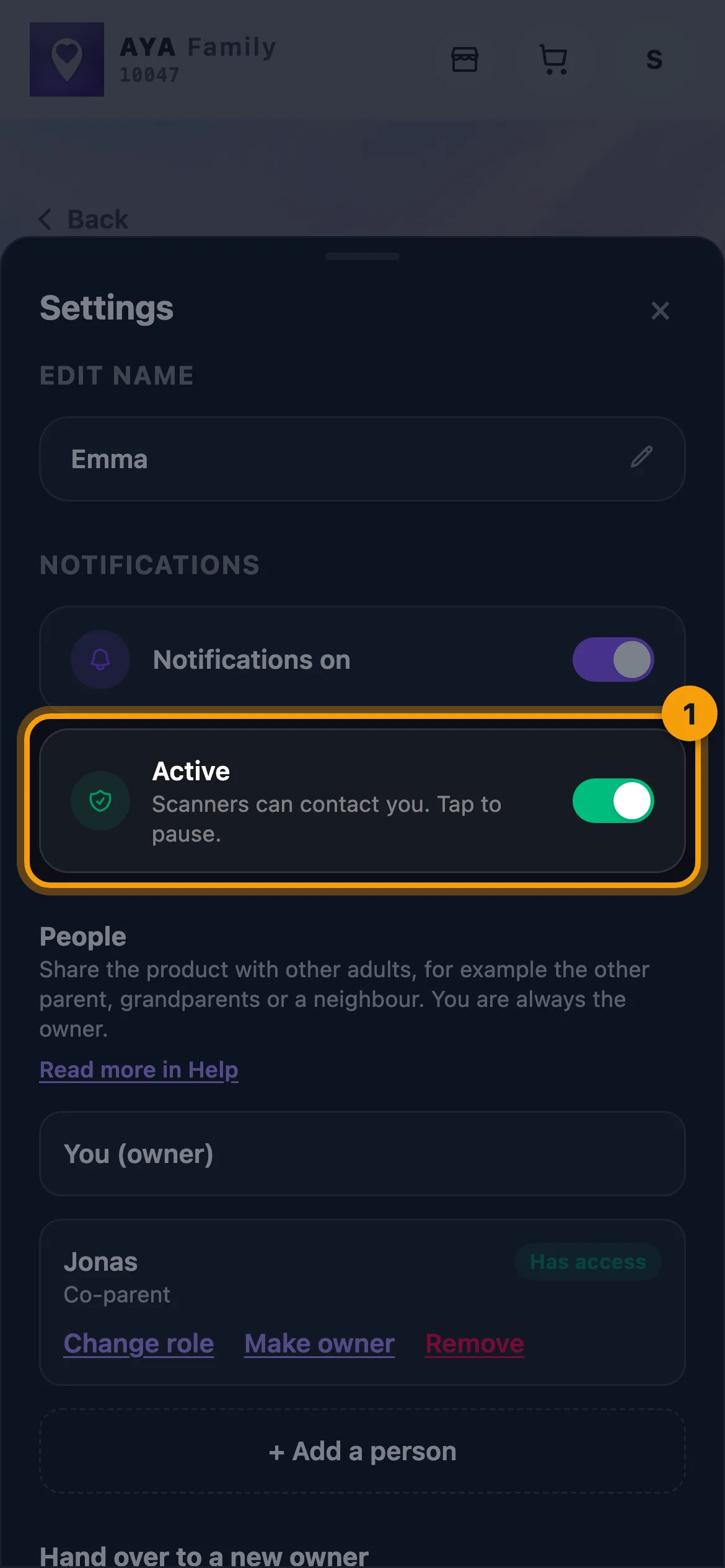
- Under Notifications, tap the Active row (Scanners can contact you. Tap to pause.).
- The row changes to Paused, and the status at the top of the product page changes to Paused too.
How to turn it back on
Tap the Paused row (Re-enables notifications and contact). The product is active again straight away.
Pausing does not stop the clock. A wristband, label or mark expires on the same date whether or not it has been paused.
What happens while the product is paused
- The finder only sees the first letter of the name, for example "E." instead of "Emma".
- Your phone number is not shown on the scan page.
- You and the people you share the product with get no notifications about scans.
- On a keyring or ID card, the message for the finder is hidden.
Good to know
- Equipment tags have no pause. Use Missing instead if the equipment is gone.
- An expired product cannot be paused.
- A co-parent can also pause the product and turn it back on.
- If you only want to avoid notifications but still be reachable, turn off notifications for the product instead.
Җавапны тапмадыгызмы?
Безгә языгыз