← සියලු මාතෘකා
දෛනික භාවිතය
The home screen in the AYA app
An overview of the AYA home screen: your products grouped by type, the buttons for activating and buying, and the bottom bar.
The home screen is the first thing you see when you open AYA. All your products are gathered here, and from here you reach the rest of the app.
How the home screen is laid out
- At the top it says Hi and your first name, if the app knows it, followed by Your products - all in one place.
- If you have not turned on notifications yet, the Complete notification setup card sits here with the Enable notifications button.
- Your products are listed in one section per type, such as Wristbands, Reusable wristbands, Security mark and Labels. The number next to the heading shows how many are active. Tap the heading to fold the section in or out.
- Expired products are gathered behind a button marked Expired so they stay out of the way.
- Tap a product to open its page with the map, history and settings.
- At the bottom you find Activate my AYA product, Buy more products and your Order history.
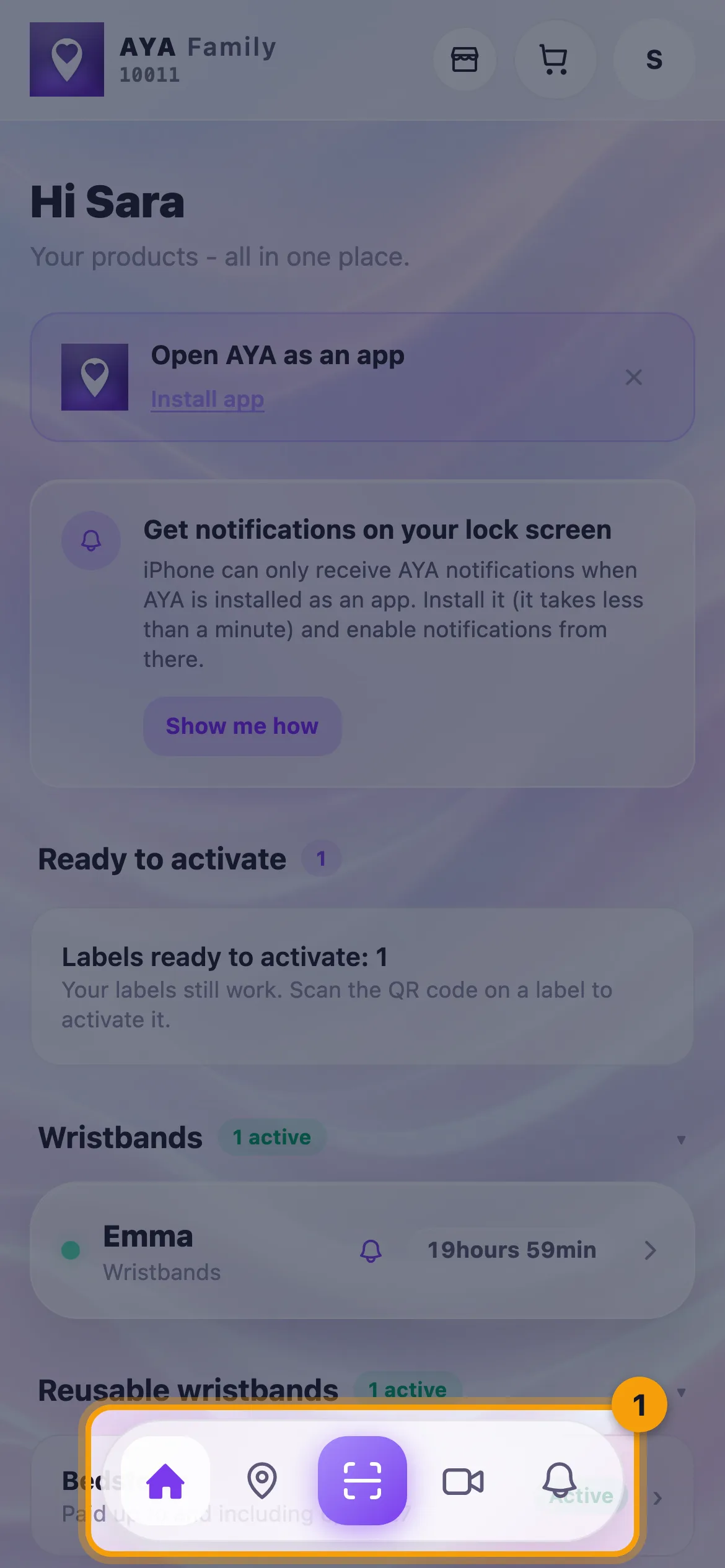
The bottom bar
- Home: the home screen.
- Map: the latest known location of all your products on one map.
- Scan: the round button in the middle opens the scanner so you can activate or look up a product.
- Connect: who is on one of your scan pages right now, and your inbox with calls and messages.
- Notifications: your recent activity.
Your profile and settings are behind the round icon with your initial in the top right corner. On a computer they are in the menu on the left under Profile.
Good to know
- A section only appears when you have at least one product of that type.
- Products you have bought but not activated yet are listed under Ready to activate.
- Products someone has shared with you are listed under Shared with me.
- Pull down on the home screen to load the latest.
පිළිතුර හමු නොවීද?
අපට ලියන්න