← सबै विषयहरू
सुरु गर्नुहोस्
Activate your first AYA product
How to activate a wristband, a name label or another AYA product in under a minute, with no SMS and no account to create.
A new AYA product has to be activated before it works. It takes less than a minute, and you do not have to create an account, give your phone number or wait for an SMS.
How to activate
- Scan the QR code on the product with your phone's camera. If you already use AYA, you can also tap Activate my AYA product on the home page and scan the code there.
- Enter the name. On a wristband it is Child's name. The name is shown to whoever finds your child.
- On a name label you also choose what the label is on, for example a jacket or a lunch box.
- Tap Activate.

Once the wristband is activated
- It says "Wristband activated!", and you are taken to your home page in AYA.
- Here you see what is still missing. Tap Enable notifications or, on iPhone, Install app, so you are told when someone scans.
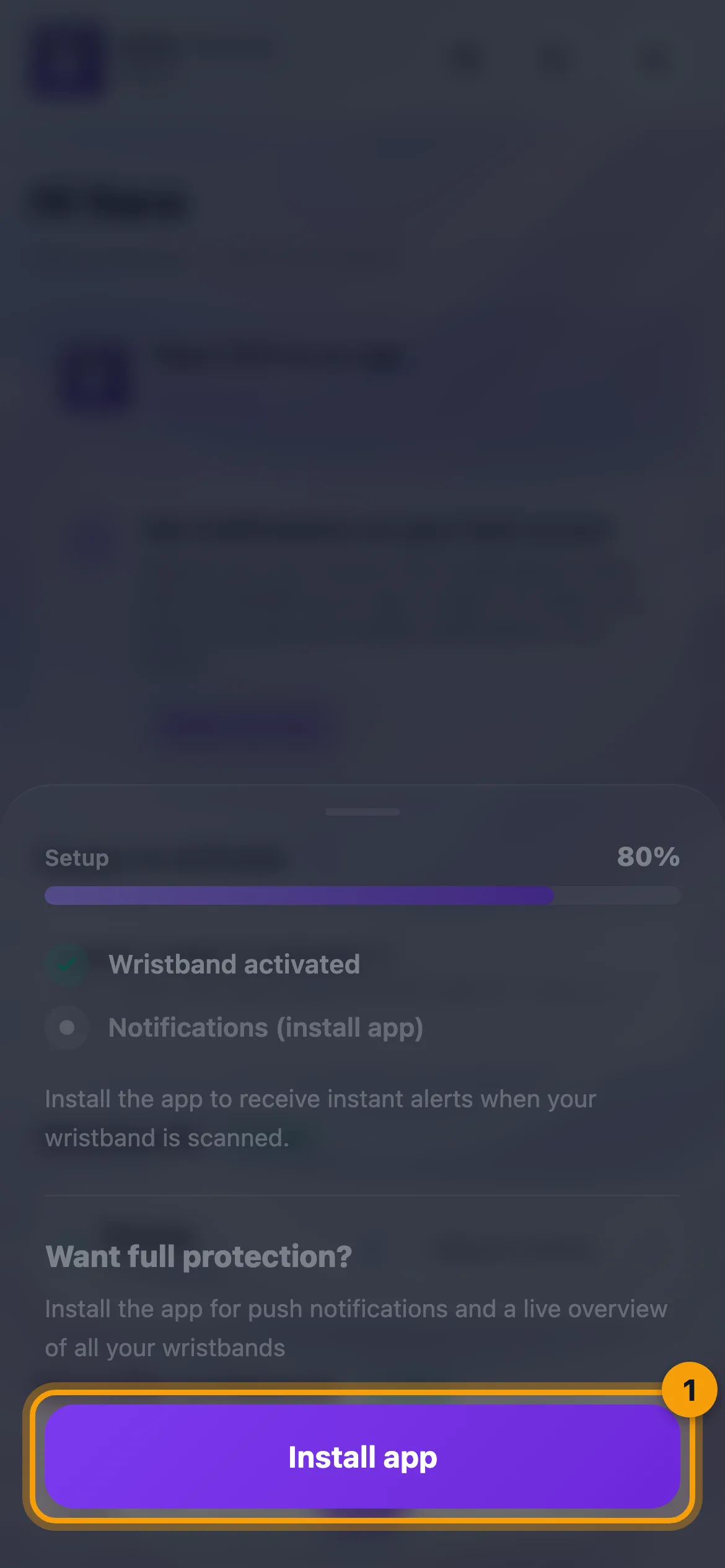
AYA creates an account for you on your phone in the background. Add your email afterwards if you want to be able to log in on another phone.
Good to know
- On a security mark with the AYA register you choose the device type and enter the device's number, for example the serial number or IMEI. The register is included in the price, so there is no payment at activation. A security mark without register is activated without a number.
- On a keyring, an ID card or a pet tag you can write a short message that the finder sees. It is shown exactly as you write it and is not translated.
- Some products, for example reusable wristbands, luggage tags and security marks, may need an email on the account. You are then asked for it on the page before the activation is completed.
- On iPhone, AYA may ask you to add AYA to your home screen before activating, because that is the only way notifications work there.
- If the QR code has been activated before, the page shows when it expires. You get the time that is left.
- If it says "This wristband is already active" (on other products "This code is already active" or "This tag is already active"), the code has already been activated. You can find it on your home page in AYA.
- If you receive an email with a login link, tap the link. You are logged in and taken to your home page.
जवाफ भेट्टाउनुभएन?
हामीलाई लेख्नुहोस्