← Evri topik
Ona mo givimaot
Make a co-parent the owner
Swap ownership with a co-parent straight away, for example when moving or with shared custody, without anything on the product disappearing.
If another adult is already a co-parent on the product, you can make them the owner with one tap. Ownership is swapped straight away, and you become a co-parent yourself.
How to do it
- Open the product and tap the cog (Settings).
- Find People. The co-parent must have the status Has access.
- Tap Make owner under the person.
- Read the text: the person becomes the owner straight away, you become a co-parent, everything on the product stays, and your payments on the product stop.
- Tap Yes, make owner. If you change your mind, tap Cancel.
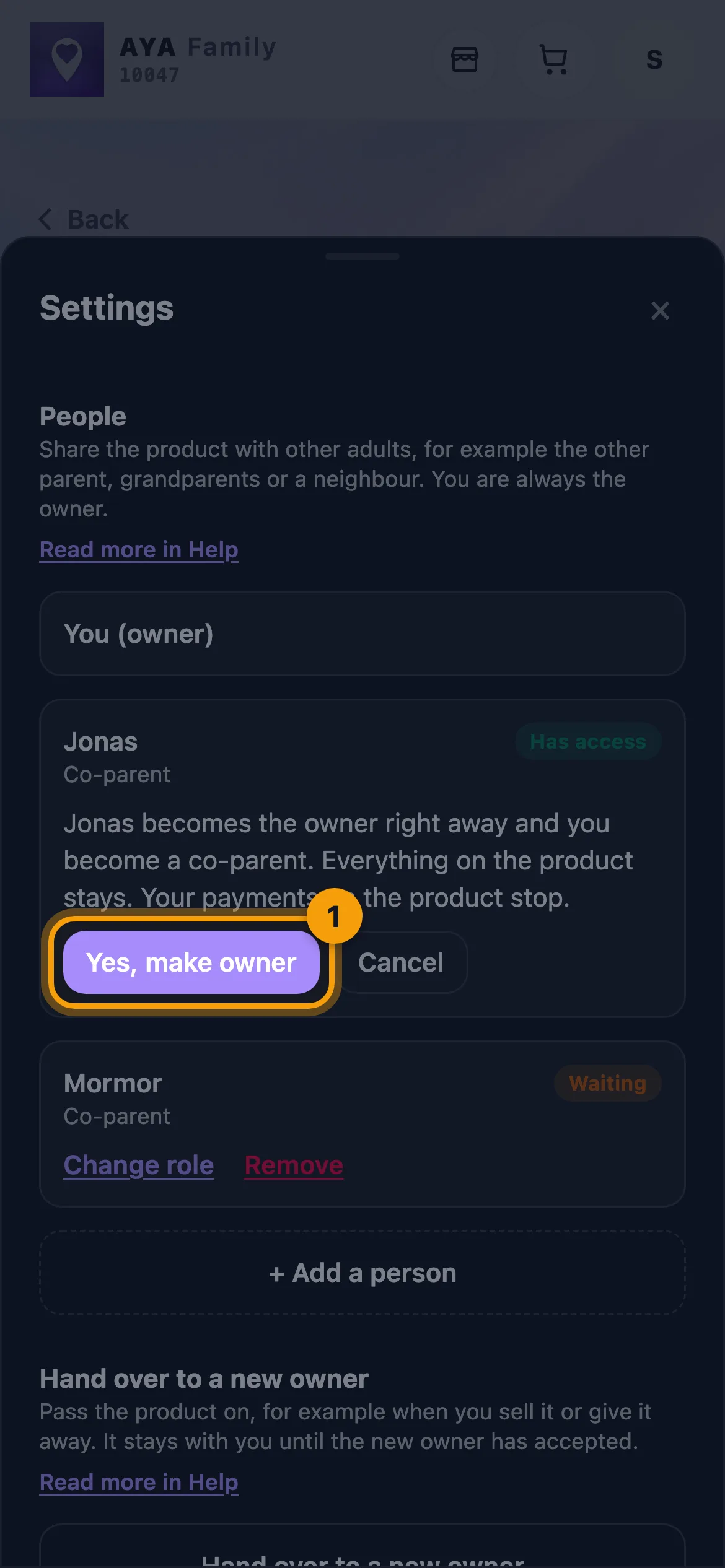
- The page reloads and you now see the product as a co-parent. The new owner gets a message: You are now the owner.
Good to know
- Make owner only appears for a co-parent who has accepted. A contact, or someone still marked Waiting, must first be a co-parent with access.
- The product must be active. An open handover to someone else is cancelled.
- Everything stays: the name, scan history, messages and the other people it is shared with.
- As a co-parent you can no longer pay, share, hand over or remove the product. If you want to be the owner again, the new owner has to make you the owner.
- If the product is going to someone who is not a co-parent, use Hand a product over to a new owner.
Yu no faenem ansa?
Raetem long mifala